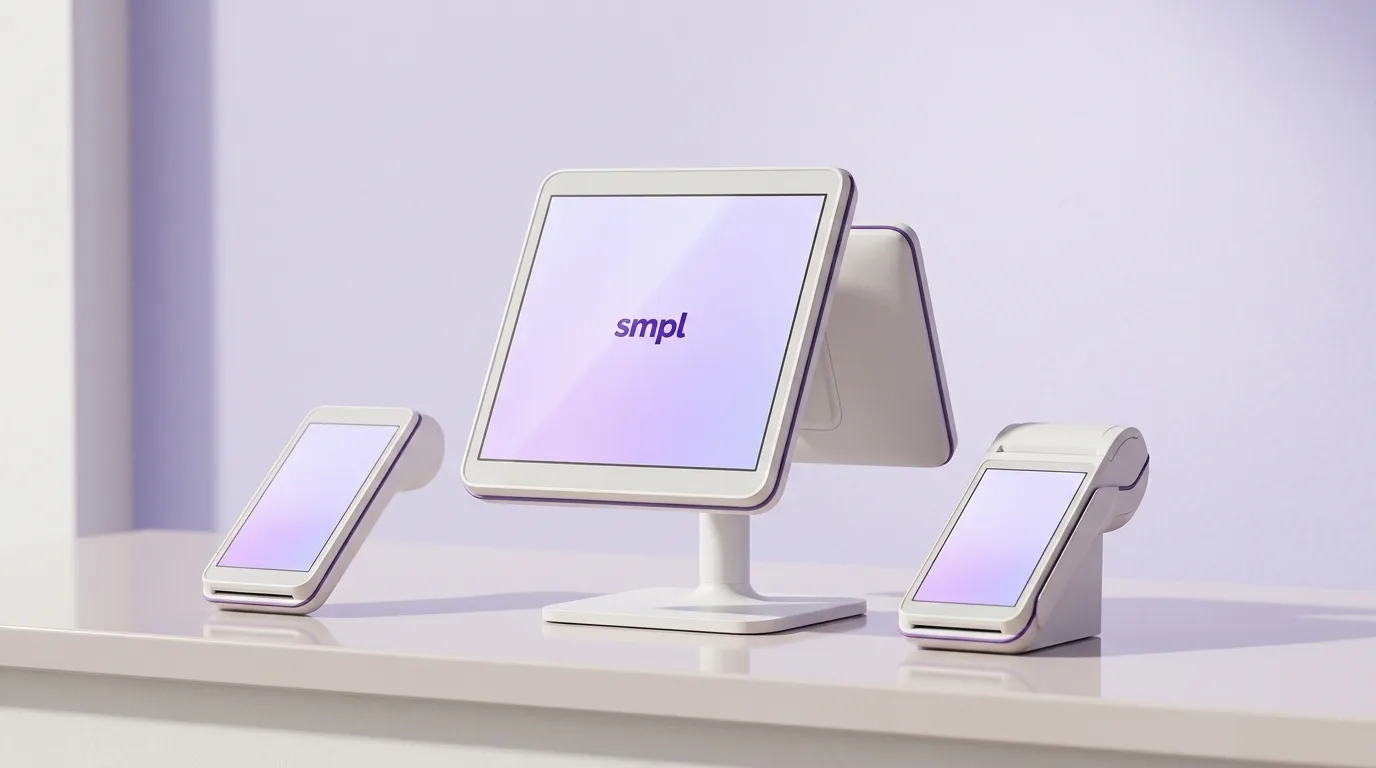
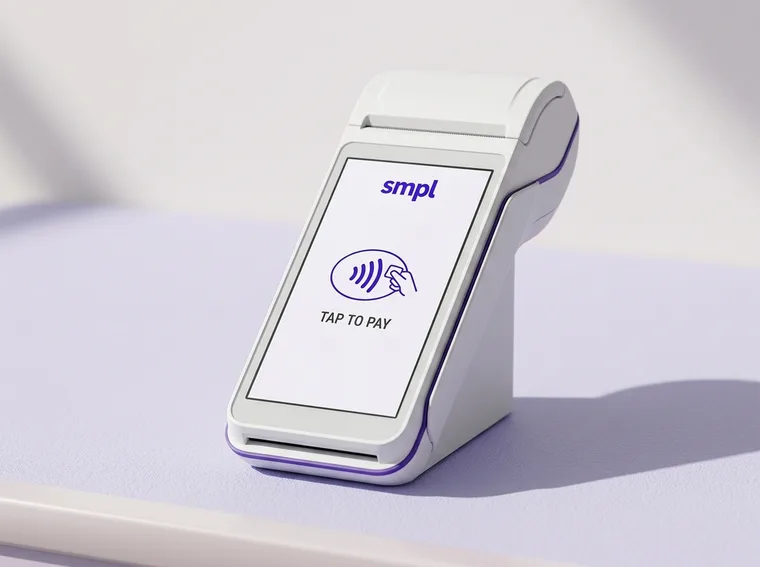
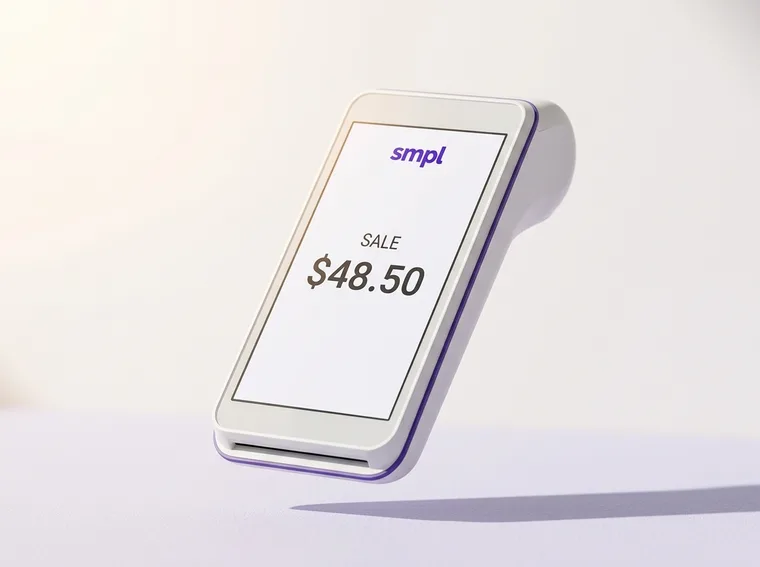
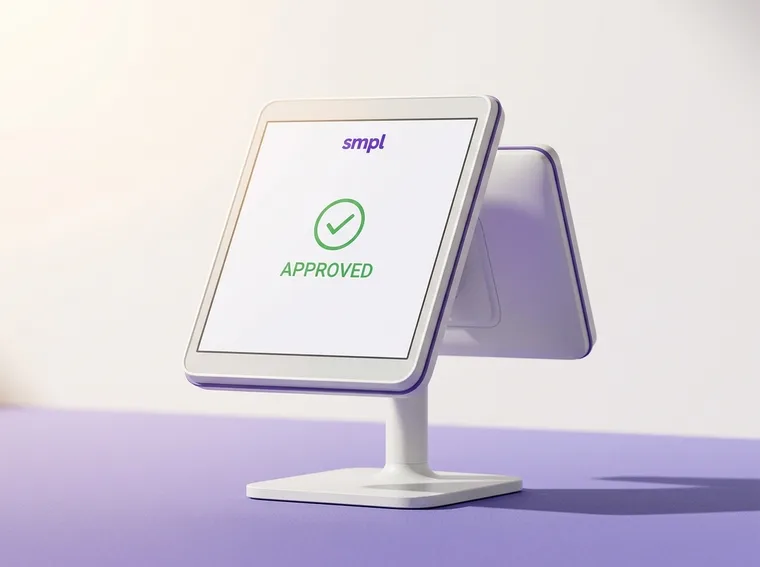
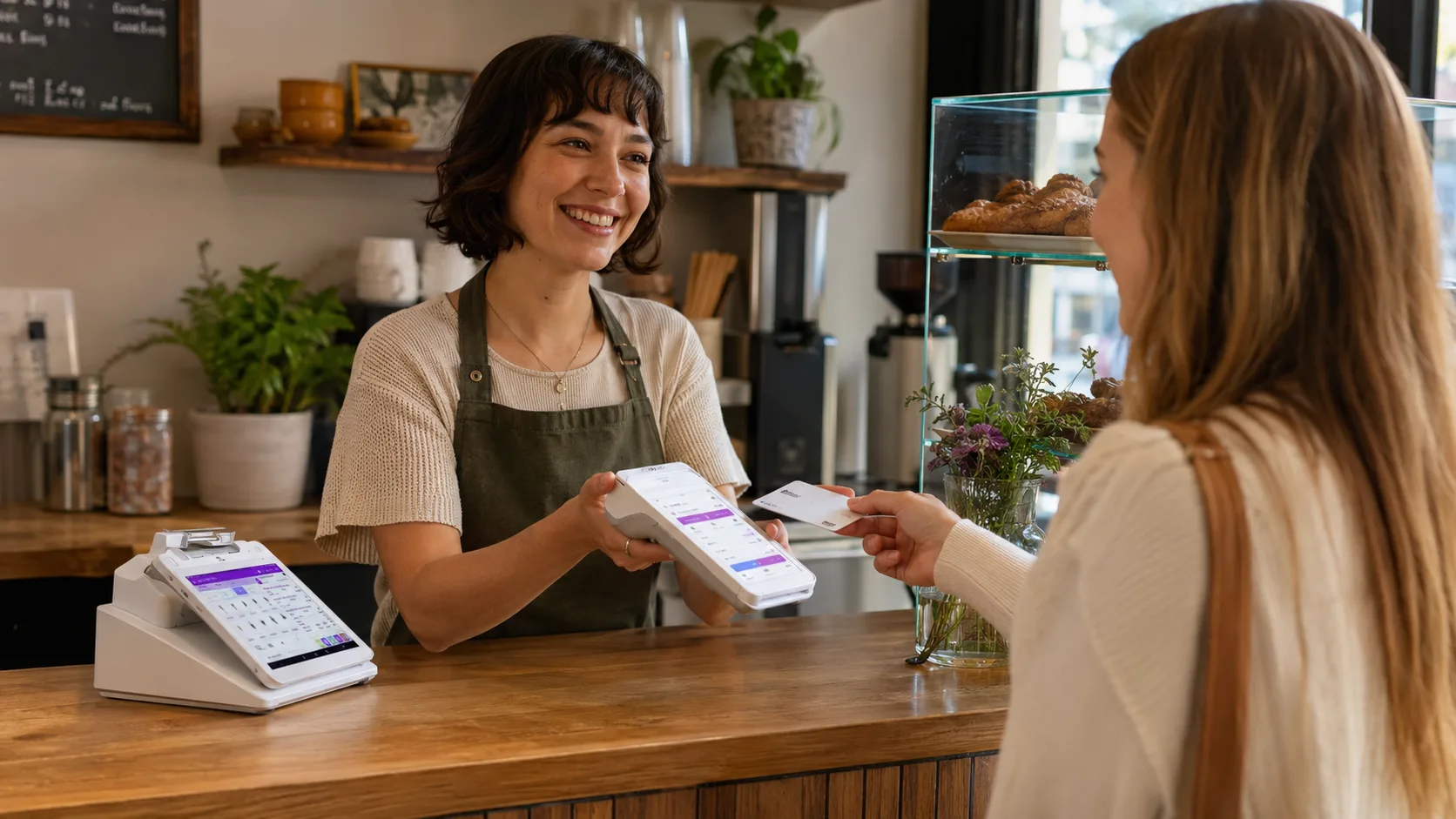
A payment terminal is the device that takes the card when a customer pays. smpl has three: the Smart Terminal for a counter, the Smart Flex for taking payment away from it, and POS+ for a full till. Your first Smart Terminal is included in the $24.99 subscription.
✓ Your first Smart Terminal is included✓ Virtual Terminal included, no hardware
Three devices, one account. Smart Terminal, Smart Flex and POS+ share one monthly bill, and every one of them can run either pricing model.
Three payment terminals. One of them is included.
$0extra for your first Smart Terminal. It comes with the plan
3devices in the range: Smart Terminal, Smart Flex and POS+
1account behind every device, however many you add
THE RANGE
Compare smpl’s three payment terminals
Three devices, one account, one monthly bill. What separates them is where the card is presented and how much of the sale the device runs.
COUNTERTOP
Smart Terminal: the straightforward credit card machine
A convenient payment solution for businesses that need reliable in-person payment acceptance. The Smart Terminal provides a straightforward way to accept credit and debit card payments in person. It’s designed for businesses that want reliable payment acceptance without unnecessary complexity. With the Smart Terminal, businesses can process customer payments while incorporating the device into their broader smpl payment processing setup. Its straightforward design makes it a practical choice for businesses that primarily need a dependable credit card machine for business transactions. The Smart Terminal can be a good fit for businesses that want an easy-to-use payment device for accepting payments at a physical location. Your first one is included with the flat fee subscription.
A flexible POS device designed for businesses that need payment capabilities that can adapt to their operations. The smpl Smart Flex offers a more flexible payment option for businesses that need their payment equipment to adapt to their operations. Its POS functionality gives businesses an alternative to a traditional standalone payment terminal, making it suitable for environments where flexibility and mobility are important. Whether you’re taking payments throughout your business or need equipment that can accommodate a changing payment environment, Smart Flex provides another option for building your payment setup. Businesses can choose Smart Flex when they need more flexibility than a basic credit card terminal can provide.
A more comprehensive POS solution for businesses that need payment acceptance alongside additional point-of-sale functionality. For businesses that need more than a basic credit card machine, the smpl Smart POS+ provides a more comprehensive point-of-sale solution. POS+ combines payment acceptance with POS functionality, making it a suitable choice for businesses that need their payment equipment to play a larger role in day-to-day operations. Rather than using a payment terminal as a standalone tool, businesses can incorporate POS+ into a broader point-of-sale setup. This can be particularly useful for businesses that want their payment and POS capabilities to work together as part of their overall operation.
Smart Terminal, Smart Flex and POS+ compared across what each is best for, whether each can run a zero fee program, point of sale integration and the monthly cost.
THE DEVICE
COUNTERTOPSmart Terminal
HANDHELDSmart Flex
FULL TILLPOS+
Best for
A fixed counter
Away from the counter
Counter, till and stock
Runs a zero fee program
Yes, with dual pricing
Yes, with dual pricing
Yes, with dual pricing
Point of sale integration
On supported systems
On supported systems
On supported systems
Monthly
Included with the subscription
From $14.95
From $24.95
Connectivity, battery life and receipt-printer options differ by unit and are confirmed against the device sheet when you order. We would rather leave a row out of the table than print a spec we have not checked.
WHERE DO YOU TAKE PAYMENTS?
Choose the right payment terminal for your business
smpl offers three payment equipment options to help businesses choose the solution that fits their payment environment and day-to-day operations. Terminal types are usually sorted by what they look like. It is more useful to sort them by where you are standing when the card comes out.
Price my devices ↗Pick your devices, see the monthly total. No email needed.
IN THE BOX, AND BEHIND IT
What every smpl payment terminal includes
The device is the visible part. What makes it work is the account, the software and the funding behind it, and those are the same whichever terminal you pick.
One account behind the rangeAdding a second or third device does not mean a separate application or a separate relationship. Which payment methods each device supports is confirmed during onboarding.
A merchant accountThe account, the device and the software are set up together. Card acceptance is provided through smpl's acquiring bank partners.
A Virtual TerminalKey a card by phone or send a payment request by email, with no hardware involved, on the same account.
Next-day funding on eligible batchesEligible batches settled before the daily cut-off fund the next banking day. Batches closed after cut-off, at weekends or on bank holidays fund on the following banking day.
Dual pricing capabilityEvery device can display dual pricing, which is the mechanism behind a zero fee program. The rules that come with it are explained on their own page.
Point of sale integrationOn supported systems, card payments post back into the software you already run instead of being keyed twice.
One support relationshipsmpl is your provider and your support contact for the account, the device and the software, rather than three numbers to call.
WHAT IT PLUGS INTO
Payment terminals and equipment that work with your business
Your payment terminal is only one part of your overall payment system. The right equipment should work alongside your payment processing, POS technology, online payment tools, and other systems your business relies on. smpl offers payment solutions that can help connect these different parts of your payment environment. A terminal on its own is a card reader. What turns it into a payment system is the account behind it and the software beside it.
01
Card processing
Accept credit and debit card payments in person with payment equipment designed for different business needs. Your payment terminal needs to work with a reliable payment processing solution. The terminal settles into an smpl merchant account, on the same monthly subscription as the device itself. Card acceptance is provided through smpl’s acquiring bank partners; smpl is your provider and your support relationship. Next-day funding is available on eligible batches settled before the daily cut-off. Batches closed after cut-off, at weekends or on bank holidays fund on the following banking day, and funding speed can also be affected by standard risk review when an account is new.
02
Point of sale integration
Your payment system may also need to work with the software and business systems you already use. On supported systems, card payments post back into the software you already run instead of being keyed in twice at the end of the day. Which integrations are available depends on your software, so confirm yours with us before you order hardware. Online checkout, invoicing and funding sit either side of the terminal, and all of it sits under merchant services that connect to it.
03
Setting up, and switching
The account, the device and the software are opened together, so a business with no merchant account yet does not need one before it orders. A terminal from another processor generally cannot be reprogramd onto a new account, which is why a switch usually arrives with new hardware rather than a firmware update. If a device needs replacing, that runs through your smpl account team rather than a manufacturer returns desk; the turnaround and the support hours that apply to your account are confirmed in writing during onboarding.
One counter, two devicesSmart Terminal at the till, Smart Flex for everything past it.
WHAT IT COSTS
What a payment terminal costs at smpl
The device and the way you pay to process cards are one decision, not two. Start with the subscription, then pick the pricing model underneath it.
INCLUDES YOUR FIRST TERMINAL
◎
The subscription
One monthly figure for the smpl payment service, with your first Smart Terminal and a Virtual Terminal in it. Additional devices are priced per unit on top.
A payment terminal reads the customer's card, sends the payment for approval and records the sale. The funds then settle into your merchant account. smpl's devices all run on one merchant account, and a Virtual Terminal covers payments taken by phone.
How much does a credit card machine cost per month?
Your first Smart Terminal is included in the $24.99 smpl subscription, along with a Virtual Terminal. Additional devices are priced per unit: Smart Flex from $14.95 a month, POS+ from $24.95, with each additional unit priced separately. There is no separate purchase price for the hardware.
What is the difference between a payment terminal and a POS system?
A payment terminal takes the card and settles the transaction. A POS system also runs the sale: items, prices, staff, stock and reporting. Smart Terminal and Smart Flex are terminals; POS+ is a point-of-sale device that includes card acceptance. How a cash discount program works →
Do all smpl payment terminals run on the same account?
Yes. The whole range runs on one smpl merchant account, so adding a second or third device does not mean a separate application or a separate relationship. Which devices suit your counter, and what each one costs, is confirmed during onboarding.
Which credit card terminals are best for a small business?
For a fixed counter, the Smart Terminal is included in the subscription and does one job reliably. If you take payment away from the counter, at a table, a doorstep or a market stall, Smart Flex is the better fit for the same acceptance. How dual pricing works →
Can the terminal connect to my existing POS or accounting software?
Point of sale integration is available for supported systems, which lets card payments post back into the software you already run rather than being keyed twice. Which integrations are available depends on your software. Confirm yours with us before you order hardware.
Do I need a different terminal for zero fee processing?
No. All three smpl devices can display dual pricing, so any of them can run a zero fee program. Older third-party hardware often cannot, which is the usual reason a switch involves new equipment. The program itself is set out on its own page: how the mechanism works, and the card brand and state rules attached to it. How zero fee processing works →
smpl offers flexible payment terminals and equipment for different business environments and payment needs. Your first Smart Terminal is included in the subscription. Tell us how you take payment and we will show you the devices and the monthly total, line by line.